Free & open source · tvOS 26 and later

Watch anything.
Browse everything.
Skip the ads.

Apple TV ships without a web browser, and on tvOS web pages can't even take a video full screen. tvOS Browser fixes that: web video plays in Apple's own player, modern sites render like in Safari, and ads disappear before they load.

  • Free, forever
  • Open source on GitHub
  • No ads, no tracking
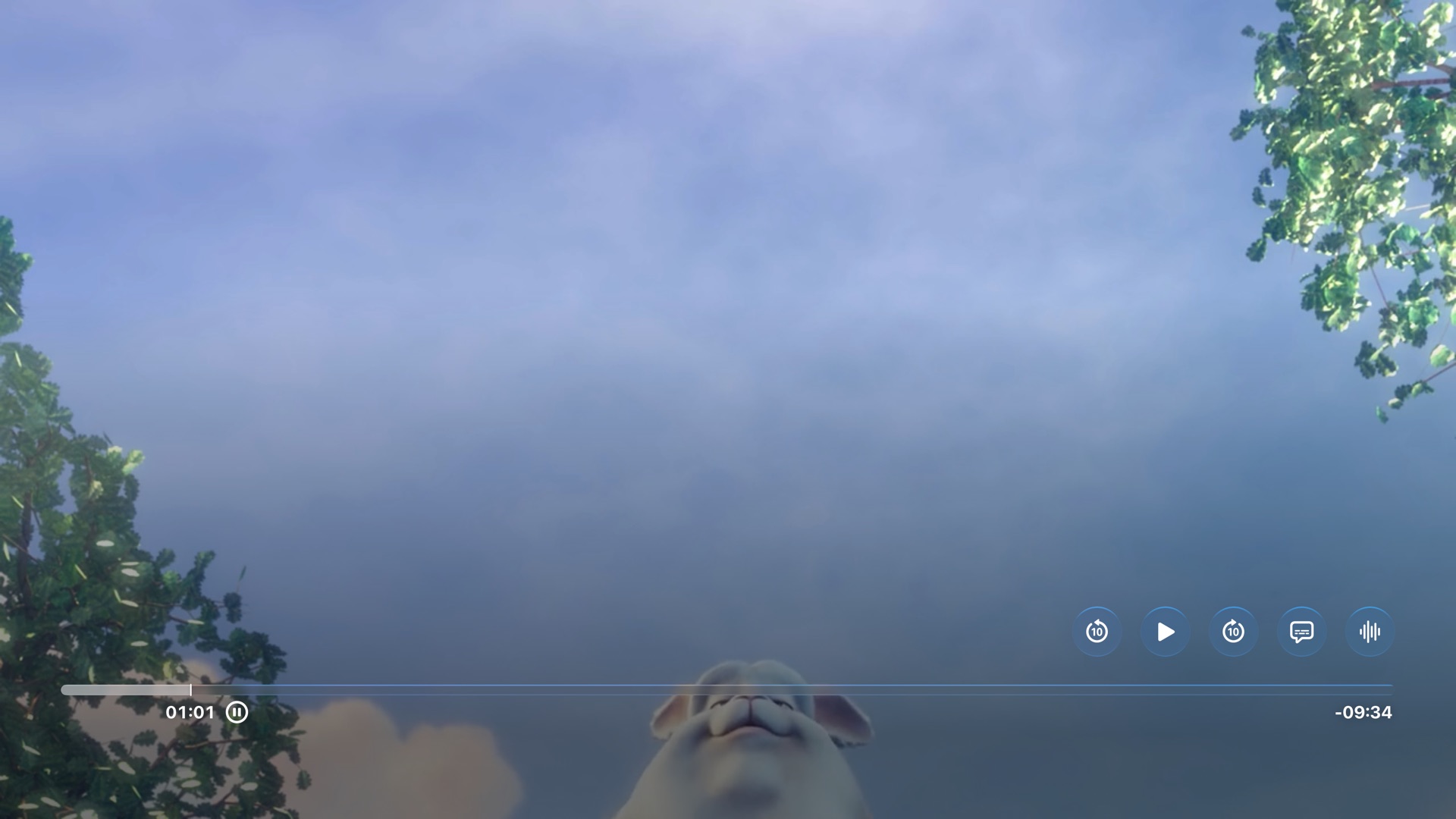
A web video playing full screen in Apple's native player, with back 10 seconds, play and forward 10 seconds buttons
Why tvOS Browser

Three reasons it belongs on your Apple TV.

Built around what you actually want from a browser on the big screen: watching, browsing and doing both without the clutter.

Video

Plays the videos other browsers can't.

On tvOS, WebKit can't show web video full screen, so in other browsers a video stays stuck in a small box on the page, if it plays at all. tvOS Browser picks up the stream the page is loading and hands it to Apple's native video player, the same one Apple's own apps use.

  • One press to full screen. Hit the full-screen button in a site's player and the video opens natively, right where you left off.
  • Real controls. Swipe to scrub, click to pause, or use the on-screen back 10 s, play/pause and forward 10 s buttons.
  • Your choice of quality. When a site offers several qualities, you pick the one you want.
  • Smooth streaming. HLS and MP4 streams play with Apple's own buffering, so long films don't stutter.
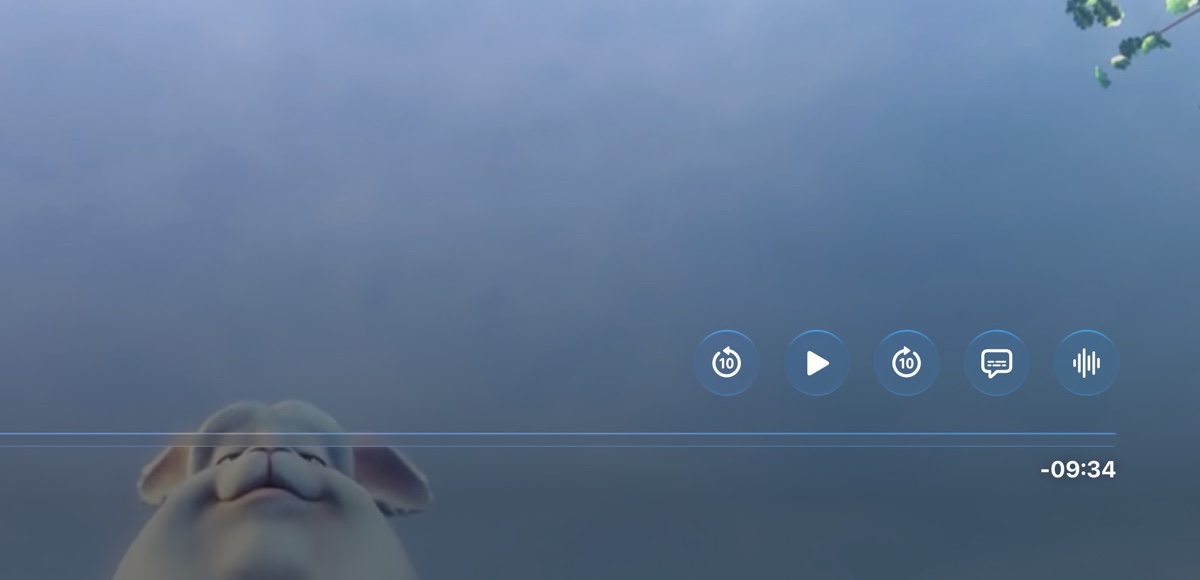
Close-up of the native player's controls: back 10 seconds, play and forward 10 seconds buttons above the progress bar
Apple's player, with on-screen back 10 s, play/pause and forward 10 s buttons.
Compatibility

Works with the modern web.

Pages are drawn by WebKit, the engine behind Safari, so today's sites look and behave the way they were designed to.

  • Safari-grade rendering. Modern layouts, web fonts and web apps, on a 4K screen.
  • Clicks that land where you point. Every click arrives exactly like a real mouse click, so progress bars, sliders and menus respond.
  • Built for today's tvOS. Updated for tvOS 26 and 27, with the Liquid Glass look.
  • Desktop or mobile. Switch site versions, scale pages to fit and adjust the font size.
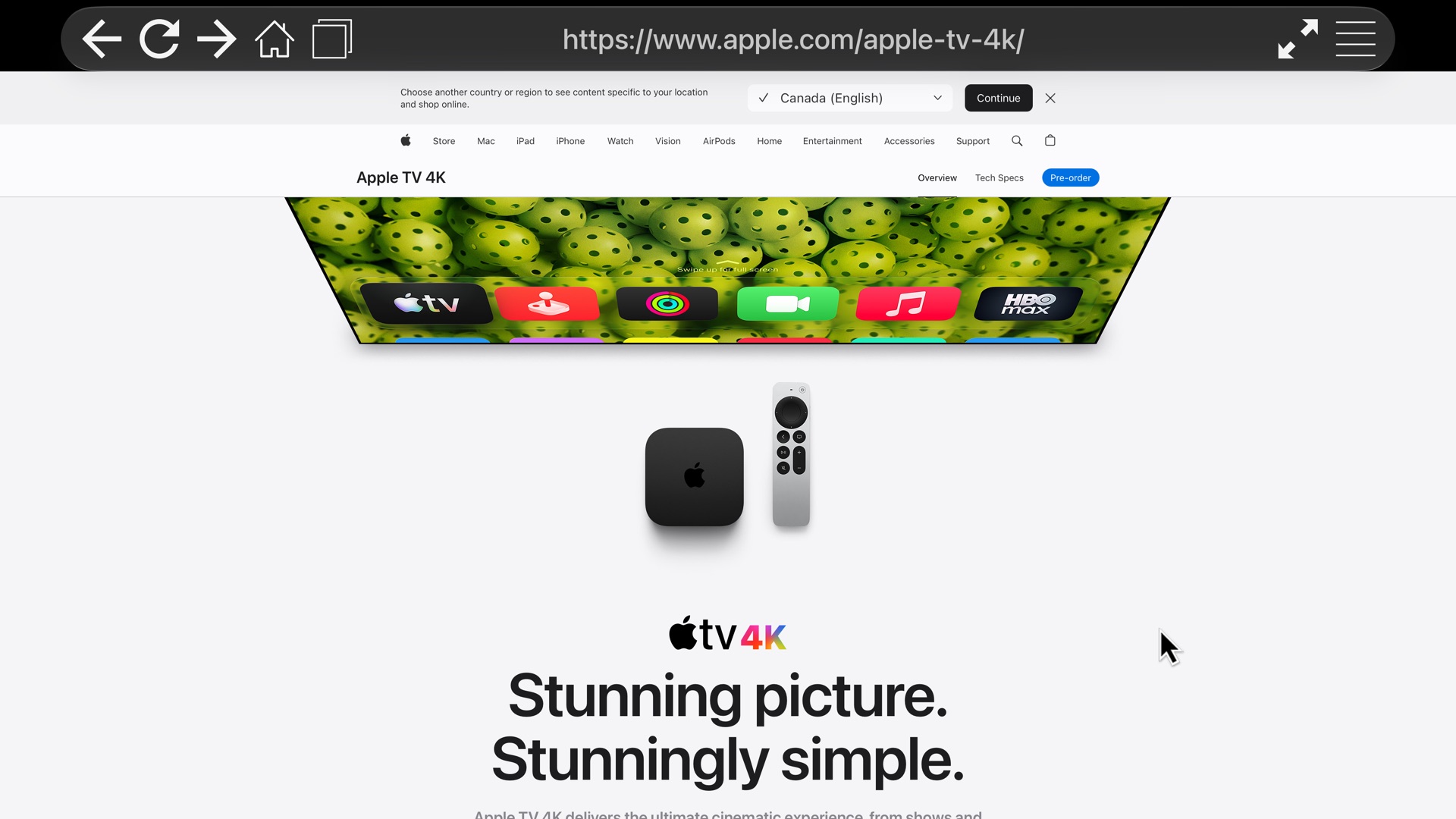
apple.com rendered in tvOS Browser with the Liquid Glass top bar
apple.com, rendered on Apple TV.
Ad blocking

Ads and trackers, gone before they load.

About 150,000 rules from the same filter lists that power uBlock Origin stop ads and trackers on every tab. Pages load faster, look cleaner and follow you around less.

  • Trusted filter lists. EasyList, EasyPrivacy, uBlock filters and RU AdList, built in.
  • On from the first launch. Nothing to set up, and nothing to subscribe to.
  • One-click off switch. If a site misbehaves, turn blocking off from the side menu.
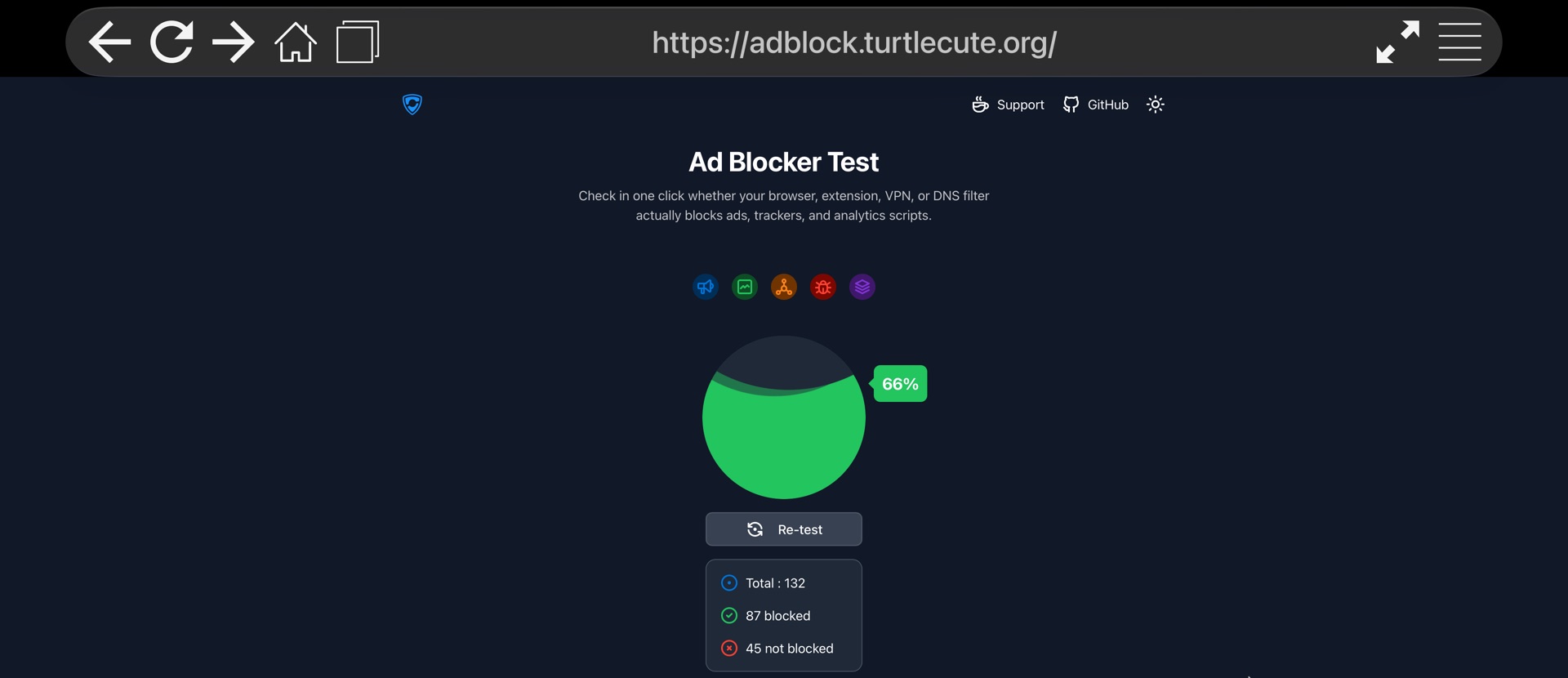
87 / 132ad and tracker tests blocked out of the box
The ad blocker test at adblock.turtlecute.org showing 87 of 132 tests blocked
Measured on adblock.turtlecute.org.
And everything you'd expect

A complete browser, designed for the remote.

A cursor that feels right

Pointer acceleration makes small links easy to hit. Double-click to switch to scrolling.

Tabs

Keep several sites open and flip between them in a visual overview.

Favorites & history

Your favorite pages, your history and your home page, one click away.

Liquid Glass design

The top bar and side menu fit right in next to Apple's own apps.

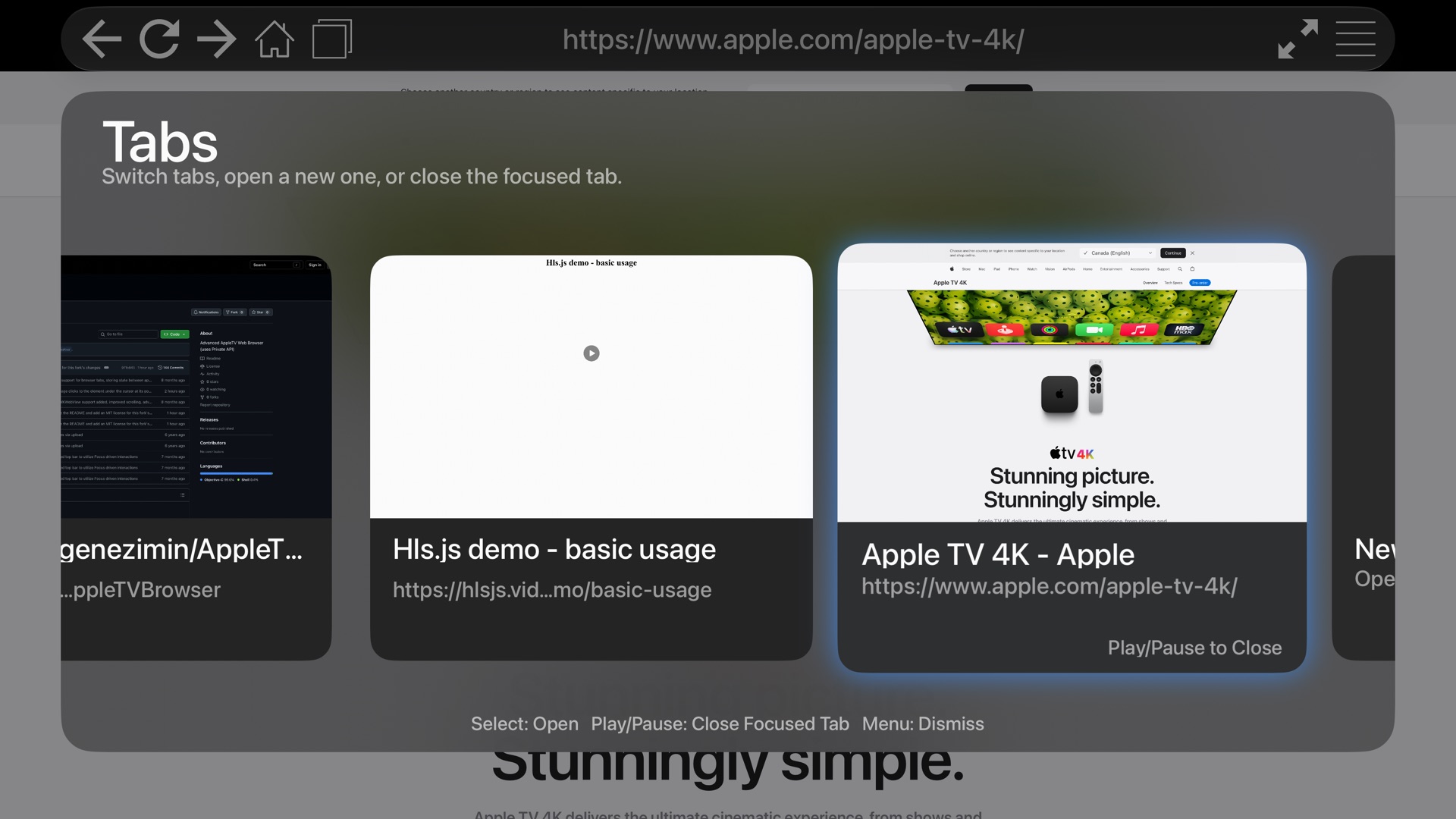
The tab overview with several open tabs
The tab overview.
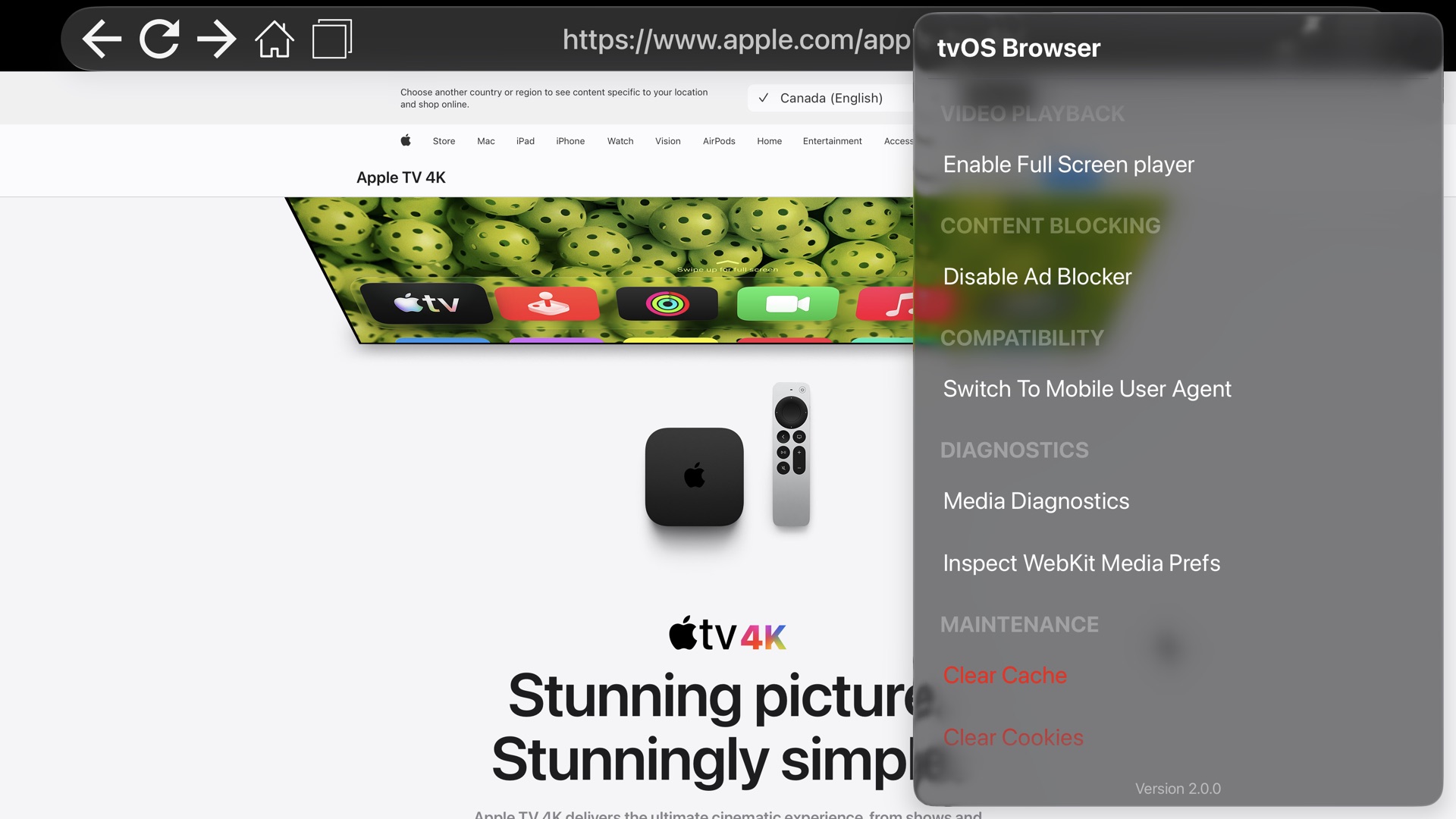
The side menu with video playback and content blocking settings
The side menu, with video and ad-blocking settings.
Siri Remote

Everything is a click or a swipe away.

Swipe on the touch surfaceMove the cursor (in scroll mode: scroll the page)
Click the touch surfaceClick whatever is under the cursor
Double-click the touch surfaceSwitch between cursor and scroll mode
Press upMove focus to the top bar
Play/PauseQuick menu: enter a URL or search, go forward, reload
Double-press Play/PauseOpen the side menu
BackGo back, or close the video player
Free, forever

No price tag. No subscription. No catch.

tvOS Browser is free and open source. Download the code from GitHub, follow the step-by-step guide, and install it on your own Apple TV with Xcode in about 15 minutes.

FAQ

Questions, answered.

Is it really free?

Yes. There are no paid versions, no in-app purchases and no subscriptions. The source code is on GitHub for anyone to download, read and build.

Why isn't it on the App Store?

tvOS has no public web view, so the browser uses private Apple APIs, which the App Store doesn't allow. Instead, you build it yourself with Xcode and install it on your own Apple TV. The install guide walks you through it.

Do I need a paid Apple Developer account?

No, a free Apple ID works. The only difference: apps signed with a free account stop opening after 7 days, so you reinstall from Xcode once a week. With a paid Apple Developer Program membership, an install lasts a year.

Which Apple TVs are supported?

Any Apple TV running tvOS 26 or later. You also need a Mac with Xcode 27 or later to install it.

Does it block every ad?

It blocks most of them, before they load. Some sites deliver ads in ways that rule-based blockers can't stop (YouTube's video ads, for example), so you may still see the occasional ad there.

Will every web video play?

Most will. tvOS's web engine has no Media Source Extensions, so a player that relies only on them, with no plain HLS or MP4 fallback, can't hand over a playable stream. Players with a fallback, which covers most sites, play in Apple's native player.